Hi,
To change column width (or any other UI changes) you can use your own theme’s CSS file and there you can overwrite Pie-Regiter plugin CSS classes.
For example:
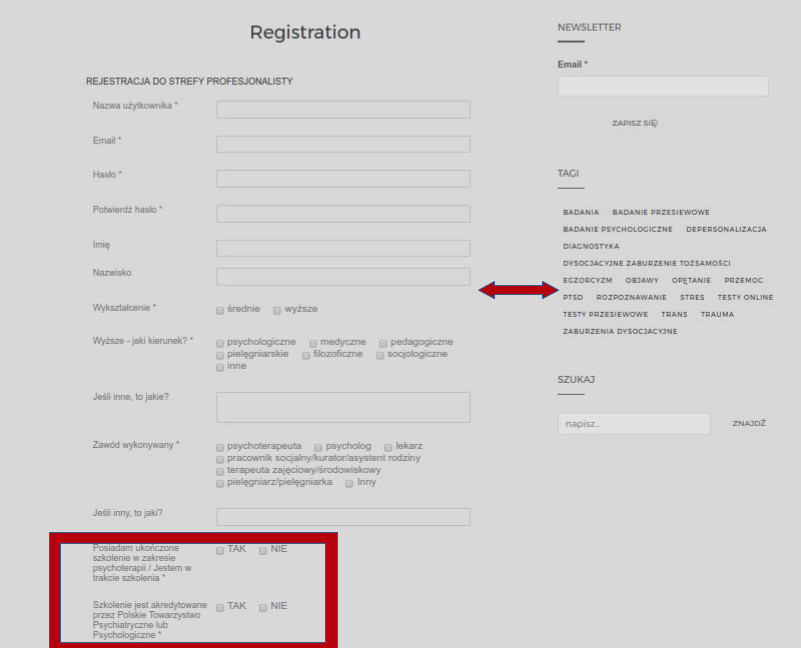
Labels in Registration form have width 29% defines in Pie-Register CSS file. If you need to increase the width to 33% you can easily overwrite the class styles in your theme stylesheet, like below :
.pieregWrapper #pie_register .fields label{
width: 33%;
}
You can also try “Label alignment” in form settings by changing it from “Left” to “Top”. It might be useful when you have long labels.
Thanks,
Kirmani
 .
.



 .
.